
Japanese Text to Speech
Start with the default Japanese voice, or switch to any other language and speaker supported by Read Aloud PDF.
Voice
Language
Explore other languages
Jump to another language or locale and try its voices.
How to use Japanese text to speech
Paste your text
Add a short text sample you want to hear (up to 300 characters).
Pick a Japanese voice
Try different voices and change the speed to find the one you like.
Preview and save
Press Play to listen instantly, and Download to keep the audio file.
Use Cases
Practical ways to use Japanese text to speech in daily work and learning.
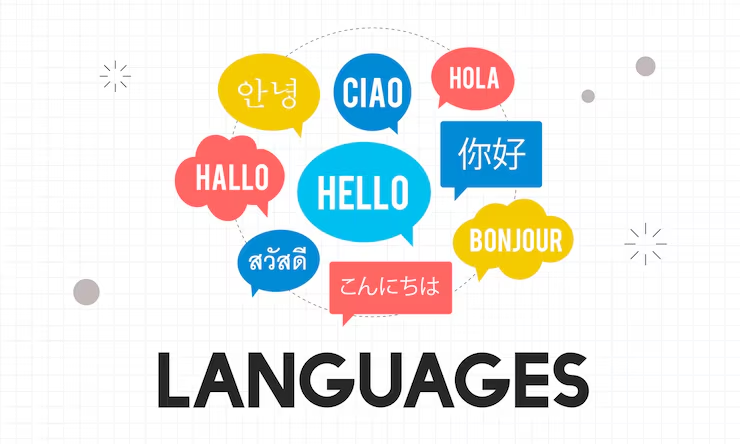
Language learning
Practice listening and get familiar with Japanese pronunciation and rhythm.

Proofreading by listening
Hear your writing out loud to catch awkward phrases and small mistakes.

Reading assistance
Make text easier to follow by listening instead of reading on screen.

Listen on the go
Turn short text into audio and listen while commuting or multitasking.

Create audio in seconds
Paste your text, press play, and download the audio instantly.
FAQ
Read aloud with Japanese voices
Use Japanese voices to read PDFs, EPUBs, and text aloud with natural pacing and clarity.
Start Reading