
Read Aloud PDF
Instantly in Your Browser
Turn PDFs and documents into natural-sounding speech with word highlighting, auto-scroll, and effortless navigation.
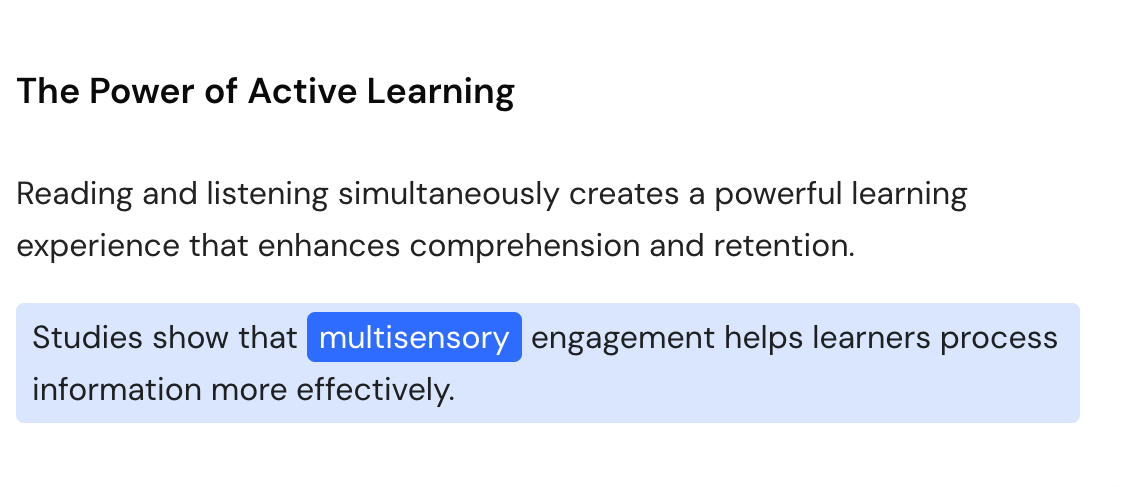
Follow along with real-time highlighting
Watch each sentence and word highlight as it's read, so you stay focused and never lose your place
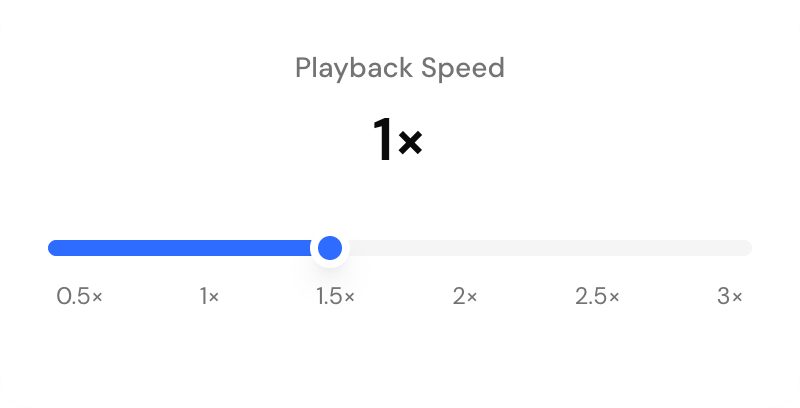
Speed control
Adjust playback from 0.5× to 3× to match your pace. Slow down for detail, speed up for review, and change anytime while listening.
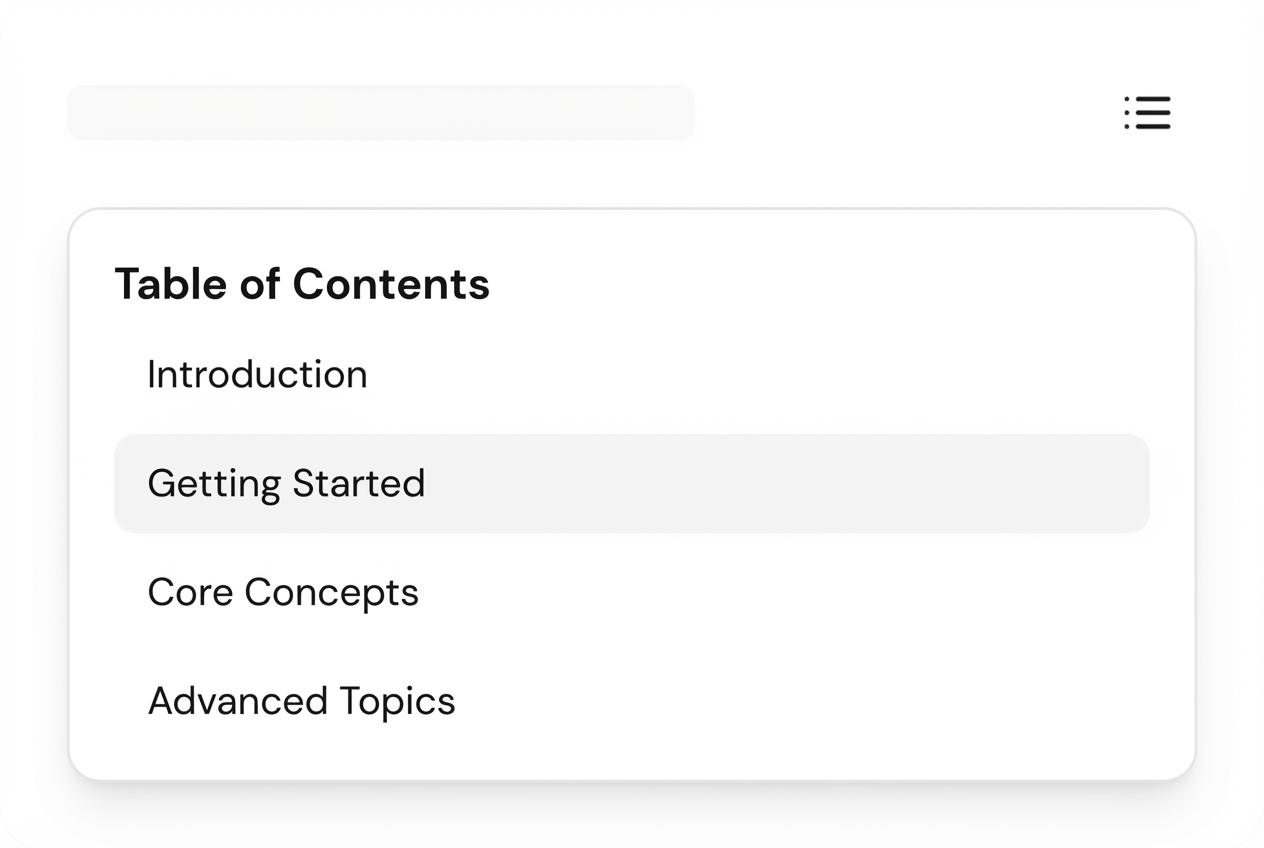
Jump to any section instantly
Use Table of Contents to jump between chapters and sections instantly — start listening from exactly where you need.
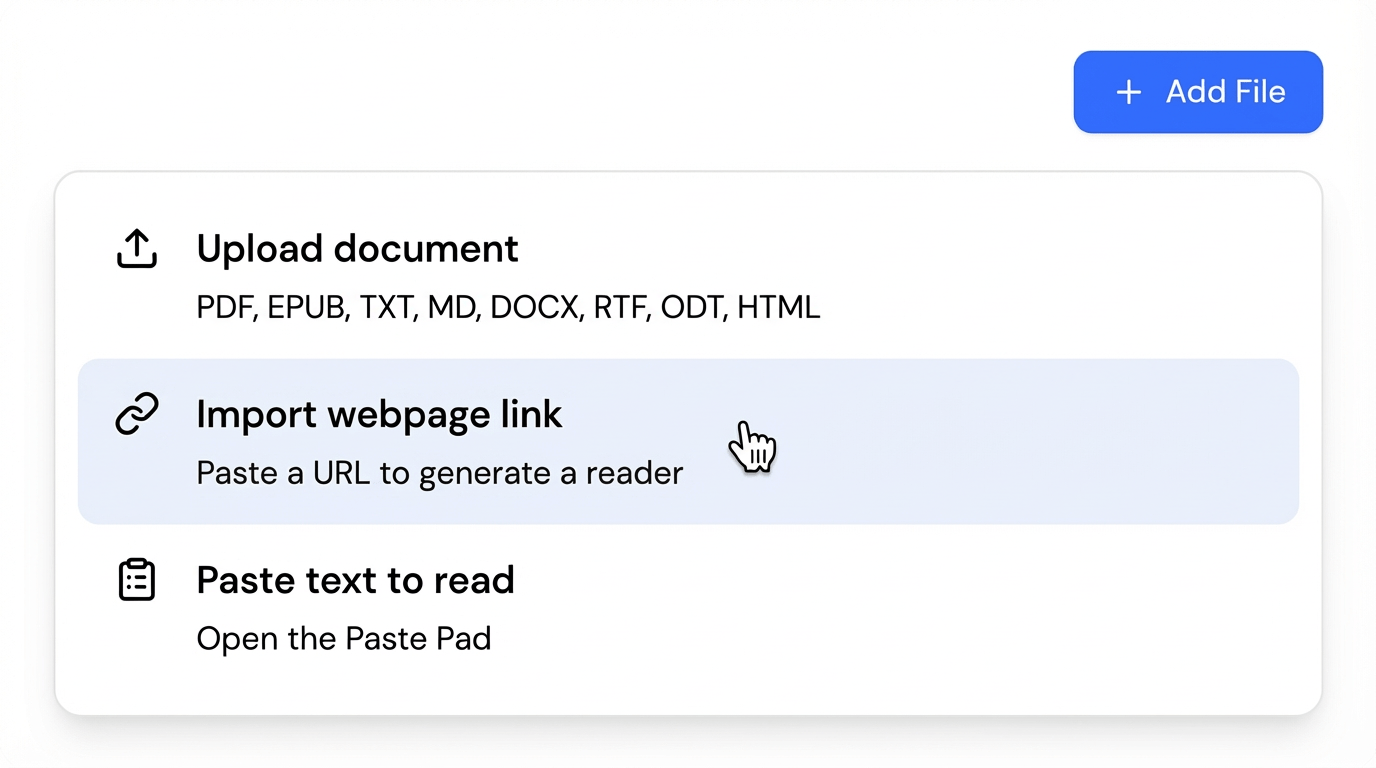
More than PDFs
Read aloud EPUB, DOCX, TXT, and HTML — or import content from a web link. Enjoy the same highlighting, auto-scroll, and smooth controls across formats.
Designed for Effortless Listening
Every feature works together to create a seamless reading experience. Natural voices, smart navigation, and tools that adapt to how you listen.
Natural AI Voices
Realistic voices in popular languages, plus multilingual speakers for mixed-language documents. Choose a voice that stays comfortable for long sessions.
Try for FreeHow to Read PDF Aloud in 3 Easy Steps
Upload or import content
Use PDFs, EPUBs, DOCX, HTML files — or paste a web link.
Customize your experience
Choose a voice, set the speed, and fine-tune your preferences.
Listen hands-free
Follow along with real-time highlights, auto-scroll, and easy navigation for long documents.
More Document Formats Supported
We support multiple document formats. Choose the one you need.
Read Aloud PDF
Convert PDF documents with natural AI voices
Read Aloud EPUB
Listen to your favorite eBooks and novels
Read Aloud DOCX
Transform Word documents into audio
Read Aloud TXT
Read plain text files with AI narration
Read Aloud Markdown
Convert Markdown files to natural speech
Read Aloud HTML
Listen to HTML documents and web content
Read Aloud RTF
Transform Rich Text Format files into audio
Read Aloud ODT
Read OpenDocument Text files aloud
Made for real-world documents
Built to help you finish long reading faster — with highlighting, navigation, and natural voices.

Studying
Listen to textbooks and lecture notes while following along with highlighting.

Research papers
Get through academic PDFs faster and jump between sections with Table of Contents.

Work documents
Turn reports, manuals, and training docs into audio for hands-free review.

Online articles
Paste a link to listen to web pages with the same smooth controls.

Language learning
Practice comprehension with natural voices, including multilingual speakers.

Commutes
Listen on mobile while traveling, walking, or multitasking.
FAQ
Ready to turn reading into listening?
Upload a document and start listening with natural voices, highlighting, and auto-scroll.
Start Listening